How Does Tap to Pay Work for Small Businesses?
See article summary
- How tap to pay works depends on a customer holding a card, phone, or watch near your NFC device for a one-time approval code.
- The tap moves a single-use token, not the card number, so an intercepted signal cannot be reused.
- Your routine shows the total, reads the approval on screen, and confirms it before handing over goods.
- Five checks gate your go-live: eligible NFC phone, cards and wallets, total and approval, fees, and access to funds.
- JIM Tap to Pay charges 1.99% per sale with no hardware, landing proceeds in seconds on a virtual card.
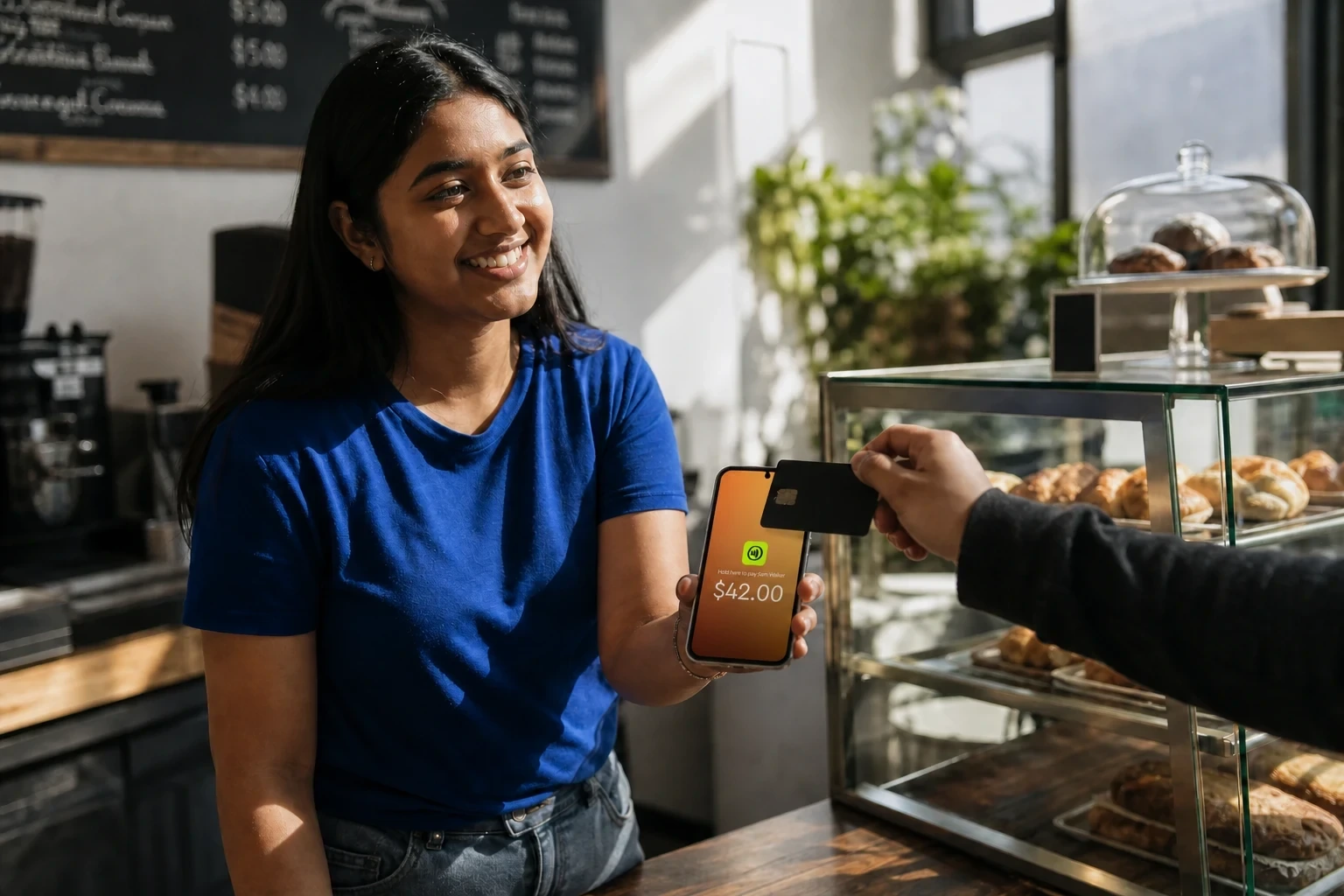
Your business can accept Tap to Pay when a customer holds a card, phone, or watch near a near-field communication (NFC) reader on your phone or terminal, which passes a one-time payment code for approval. That code comes from EMV tokenization, the chip-card standard that swaps the real card number for a substitute, so account details never reach you.
But the customer's tap is only your starting point. Accepting Tap to Pay on your phone depends on your device's eligibility, the cards and wallets customers carry, how you show the total and confirm approval, who covers the fee, and when the money becomes usable.
What Happens When a Customer Taps to Pay?
A tap sale runs in four quick steps, and the sale is not done until you see an approval. Your job is to display the right total and confirm that approval before the customer walks away, so a contactless payment never rests on the tap alone.
The Four Steps From Total to Approval
- You enter the sale amount and show it to the customer on your screen.
- The customer holds a contactless card, phone, or watch within about an inch of your device.
- Your phone or terminal reads the payment credential over near-field communication (NFC), the short-range wireless link that only works when the two devices nearly touch, and sends it to the processor for authorization.
- You watch for the approval message and confirm it before handing over the goods or the receipt.
The split of duties matters, because two of those steps belong to you, not the customer.
| Step | Customer does | You do |
|---|---|---|
| Show the total | Reads the amount | Enter and display the amount |
| Present payment | Taps card or wallet | Hold the device steady and ready |
| Authorize | Nothing further | Send the credential for approval |
| Confirm the sale | Sees confirmation | Verify the approval before finishing |
Why the Tap Does Not Send the Card Number
The tap moves a one-time code, not the real card number. EMV tokenization lets the network approve that substitute once and never reuse it, so an intercepted signal is worthless: it cannot be replayed for a second charge.
Merchant guidance from the U.S. Chamber of Commerce describes the same safeguards, noting that near-field communication works only within a few centimeters and that the encrypted, single-use token cannot be reused even if intercepted (accessed August 2026).
That design lowers exposure, but it does not make fraud impossible on its own. Your safeguard is the routine, not the technology alone.
Enter the amount the customer can see, wait for the explicit approval, and treat an unconfirmed screen as an unfinished sale. Skip that check and you can hand over goods on a payment that never cleared, which is the one failure the tokenized exchange cannot fix for you.
Check Your Phone, Payment Mix, Fees, and Cash Flow Before You Go Live
Before you rely on a phone at checkout, five things decide the fit: your device, the cards and wallets your customers carry, whether you accept card-present taps only, your total-and-approval routine, and how you cover the fee and reach the money. Clearing all five, not just reading a tap, is what makes phone acceptance practical.
A Merchant Readiness Checklist
The table uses Tap to Pay with JIM as one labeled example, and every figure below is JIM-specific, drawn from JIM's own product and support pages. These are JIM's terms, not universal rules, so confirm the equivalents with any provider you weigh. For the setup itself, follow a guide on how to accept contactless payments.
| Decision variable | What to verify | JIM example (JIM-specific) |
|---|---|---|
| Device eligibility | The phone has NFC, a supported operating system, and a screen lock | An NFC-enabled iPhone XS or later, or Android 9 or higher, with screen lock on and not jailbroken |
| Payment types | The networks and wallets your customers use are accepted | Visa, Mastercard, American Express, Discover, and JCB, plus Apple Pay, Google Pay, and Samsung Pay |
| Card-present only | Whether keyed-in card numbers are allowed | No manual card-number entry; every sale is a contactless tap |
| Total and approval | Staff can show the amount and confirm the approval on screen | The app displays the total and returns an approval you confirm before finishing |
| Fees and access to funds | Who pays the fee and when proceeds become usable | 1.99% per sale, no monthly or setup costs, optional fee pass-through; funds land in seconds on a virtual JIM Visa Prepaid Card, or move to your own bank through Same Day ACH (the Automated Clearing House network that settles bank transfers) at 1.99% + $0.99, $15 minimum, $5,000 daily limit |
Weigh that fee against your other credit card processing fees for small businesses, since a per-sale rate with no monthly cost shifts the math for a low-volume seller.
JIM Example: What Happens After an Approved Sale
Imagine a mobile coffee-cart owner at a busy lunch stop who wants to drop a separate reader. Before the rush, they run one small contactless sale on the phone, show the amount, wait for the approval, and check where the money actually lands.
With JIM, an approved sale puts the proceeds on the virtual JIM Visa Prepaid Card in seconds, ready to spend, while a bank payout through Same Day ACH reaches your linked account on the same business day instead of instantly.
That answers the real question: not whether the phone reads a tap, but whether the full acceptance-and-cash-flow path fits your day.
Run one small card-present sale, train staff to display the total and confirm the approval, then pick the funds route that matches how fast you need the cash.
Test the Workflow Before You Replace Your Reader
If your NFC phone, payment mix, and approval routine already clear the checklist, prove the fit with one small card-present sale before you buy any hardware.
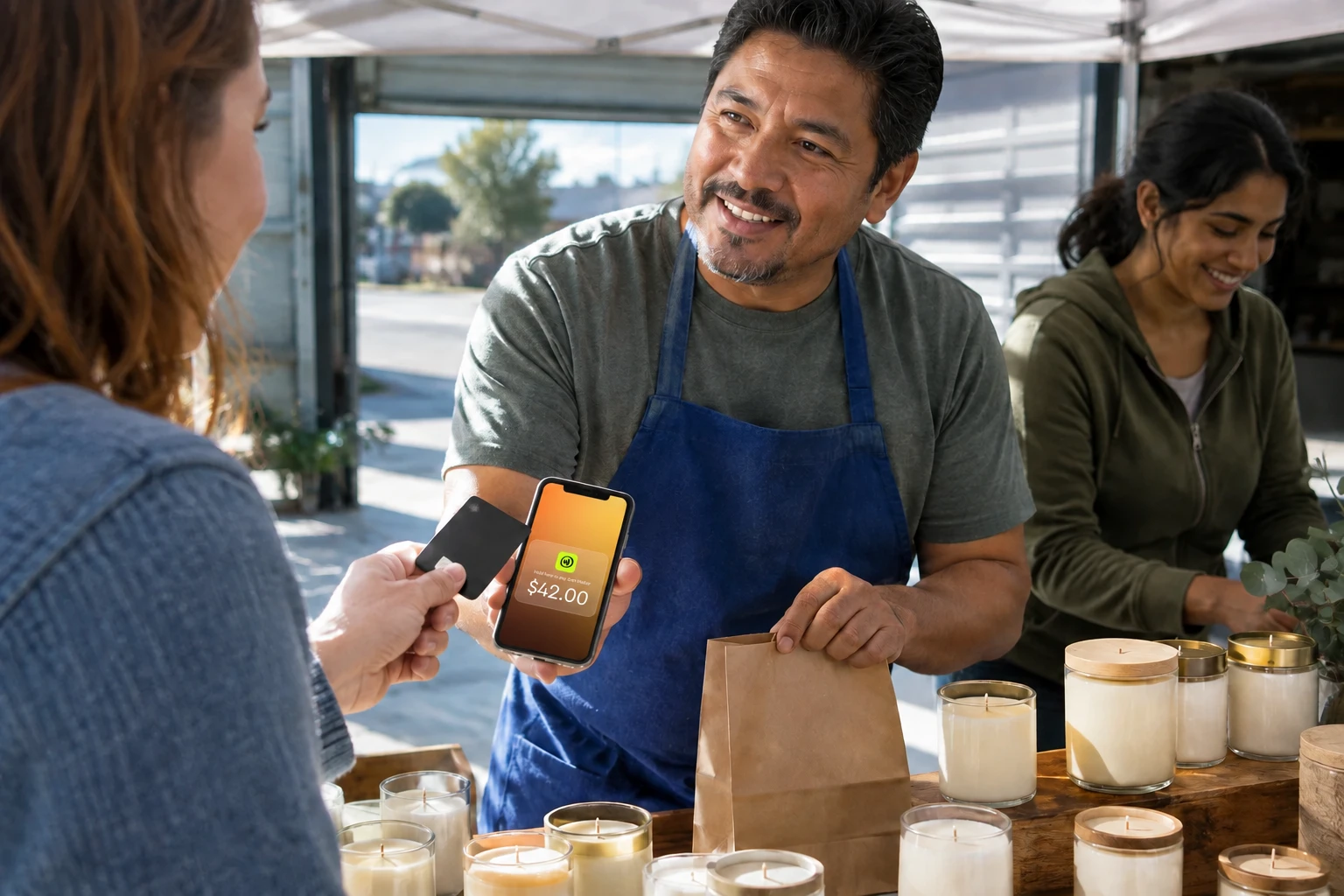
Tap to Pay with JIM turns that eligible phone into the reader, charges a flat 1.99% per sale with no equipment to purchase, and lands the proceeds in seconds on your virtual JIM Visa Prepaid Card.
Run that first tap, confirm the approval, and decide from real evidence whether phone acceptance beats the mobile payment terminals you were weighing. Start in the app at https://onboarding.jim.com.
Frequently Asked Questions
Is Tap to Pay Safe for a Small Business?
Tap to Pay is safe enough for daily counter use when you pair the technology with a simple checkout habit, though no payment method removes fraud completely. EMV tokenization hides the real card number behind a one-time code, and your part is to show the correct total and wait for the explicit approval before you hand over goods.
Beyond the technology, U.S. federal law caps a cardholder's liability for unauthorized credit card charges at $50, according to the Federal Trade Commission (accessed August 2026).
Can You Accept Tap to Pay Without a Separate Reader?
What Should You Check Before Taking Your First Tap?



Sell and get paid in seconds with Jim






