Contactless Payment Limit in the US: A Merchant Guide
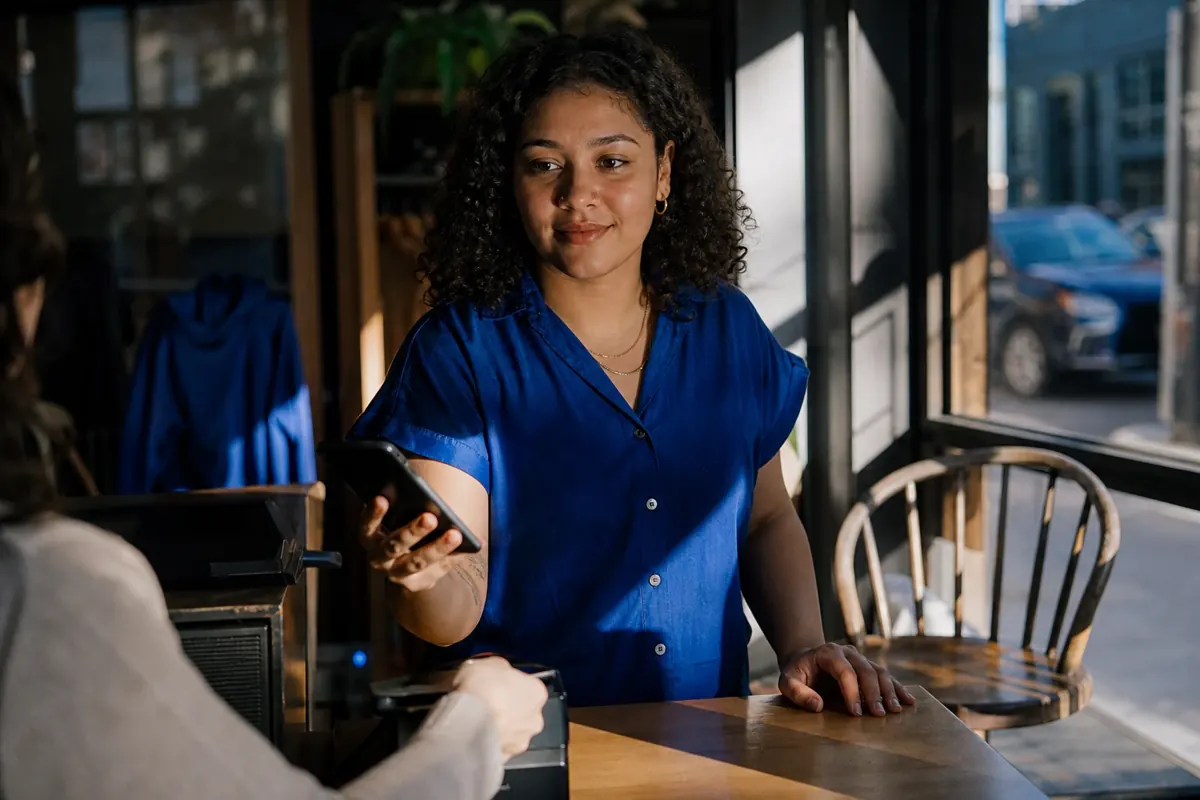
In the US, no single legal or universal contactless payment limit applies to a tap; a PIN or signature prompt usually means the card needs cardholder verification, not that the sale is blocked.
That check is the cardholder verification method, or CVM, and card networks set the threshold that triggers it, not the federal government. Physical cards, mobile wallets, card issuers, and your terminal settings can each handle that check differently, so the same sale amount can behave differently at your counter.
A larger tap that prompts verification or declines is not a reason to lower your reader's limit.
What a Contactless Limit Means at a US Checkout
A US contactless limit is not one number. Four separate controls decide what happens when a card touches your reader, and only one of them tracks the sale amount at all.
The cardholder verification method, or CVM, is the check that confirms the person tapping is the cardholder, usually through a PIN or a signature. Each network sets a Reader CVM Required Limit, the dollar point above which a physical card asks for that check.
As of 2026, Mastercard uses a $100 CVM limit in the US, while Visa does not require one on US terminals. That is why the same card can behave differently across two readers.
American Express does not publish a single dollar figure; its ExpressPay specification applies a No Signature Threshold set by local market conditions and acquirer settings, so verification varies by terminal rather than by a universal cap. Discover, through its D-PAS contactless platform, similarly leaves CVM behavior to acquirer and terminal configuration rather than publishing a fixed US threshold.
A mobile wallet takes a different route. The consumer device cardholder verification method, or CDCVM, verifies the customer on the phone with a fingerprint, face scan, or passcode. An authenticated wallet tap can clear the network's verification step without a terminal prompt, so how tap to pay works and how digital wallets authenticate both matter at your counter.
Physical Card, Mobile Wallet, and Terminal: Different Checks
| Control | What verifies the customer or can stop the sale | Your response |
|---|---|---|
| Physical contactless card | A PIN or signature once the tap crosses the network's CVM threshold | Let the customer complete the check; use chip insert if the tap fails |
| Mobile wallet (Apple Pay, Google Pay, Samsung Pay) | On-device fingerprint, face, or passcode before the tap | Accept the tap; no terminal prompt is expected |
| Terminal configuration | A low or misconfigured limit forcing extra prompts | Leave standard settings alone; ask your provider to review |
| Issuer authorization | The bank declines on credit, balance, or fraud rules | Ask for another card or method; do not key the number |
A counter-service restaurant can see this split in a single lunch rush. A customer's physical-card tap on a $130 check prompts for a PIN because the amount crosses the Mastercard threshold, while the next customer pays a similar total with an authenticated phone wallet and sees no prompt. Same amount, two verification paths, so lowering the reader limit would only slow the line.
A Verification Threshold Is Not an Authorization Limit
Clearing the CVM check settles only who verified the customer. The card issuer still approves or declines the amount based on available credit, balance, or fraud rules, so a tap can pass verification and still be declined by the bank.
An in-person tap is also a card-present transaction, the same as inserting the chip, rather than a keyed card-not-present entry, so it is not the more expensive keyed transaction some merchants assume it is.
Treat the payment method, verification route, terminal behavior, and authorization outcome as separate facts before you change any checkout setting.
What to Do When a Tap Prompts or Declines
When a tap asks for a PIN or declines, work the incident, not the reader settings. A clear record and the right fallback finish the sale in seconds and tell you whether anything actually needs to change.
Use This Five-Step Incident Checklist
Identify the payment method. Note whether the customer tapped a physical contactless card or an authenticated mobile wallet, since each follows a different verification route.
Record the details. Capture the amount, the card type or wallet, the exact reader prompt, and the approval or decline result. That record is what lets anyone diagnose a pattern later.
Let the customer verify. If the reader asks for a PIN, have the customer complete it. Signatures are optional across US networks, so do not demand one as a remedy.
Fall back to the chip. If the tap fails, ask the customer to insert the chip, which is the appropriate card-present fallback. Never swipe or key the card number to force a failed tap through.
Escalate a pattern, not a one-off. Three or more similar prompts or declines within a single day, or five within a week, merit a call to your payment provider for a terminal-configuration review. Do not lower your reader limit to dodge the friction.
When to Escalate a Repeated Reader Problem
One odd prompt is normal. A repeating one is a signal.
A mobile service provider logging the same reader message on two similar sales should capture the method, amount, prompt, and result for each, finish both sales with chip fallback, and hand the pattern to their provider. The provider can then review the terminal configuration alongside the payment method, issuer, and network factors that could produce the pattern.
A repeat prompt does not point to any single cause on its own. Preserve the incident record and ask your provider to assess the reader's configuration together with the payment-method, issuer, and network factors. A clean incident log and chip fallback settle the checkout safely, while repeated patterns belong with your provider, not in an arbitrary reader ceiling.
Does JIM+ Impose a Contactless Sale Limit?
No. JIM+ sits on the acceptance side of the split between verification and authorization, and it sets no cap on an individual sale or on daily, weekly, or monthly sales volume for approved sellers.
That policy does not override the issuer's authorization decision, the customer's verification path, or how your terminal is configured, so a large tap can still ask for a PIN or decline. Once your workflow is solid, JIM+ Tap to Pay accepts contactless cards and mobile wallets on a compatible phone, with no extra reader to buy. See how to accept contactless payment, then start your JIM+ onboarding.
Frequently Asked Questions
Is $100 a Universal US Contactless Limit?
Can a Mobile Wallet Handle a Larger Tap Than a Physical Card?
What Should a Merchant Change After Repeated Prompts?
Did the Contactless Limit Change During COVID?
Does American Express Have a Contactless Limit?
Is the Tap Limit Different for Debit vs Credit?



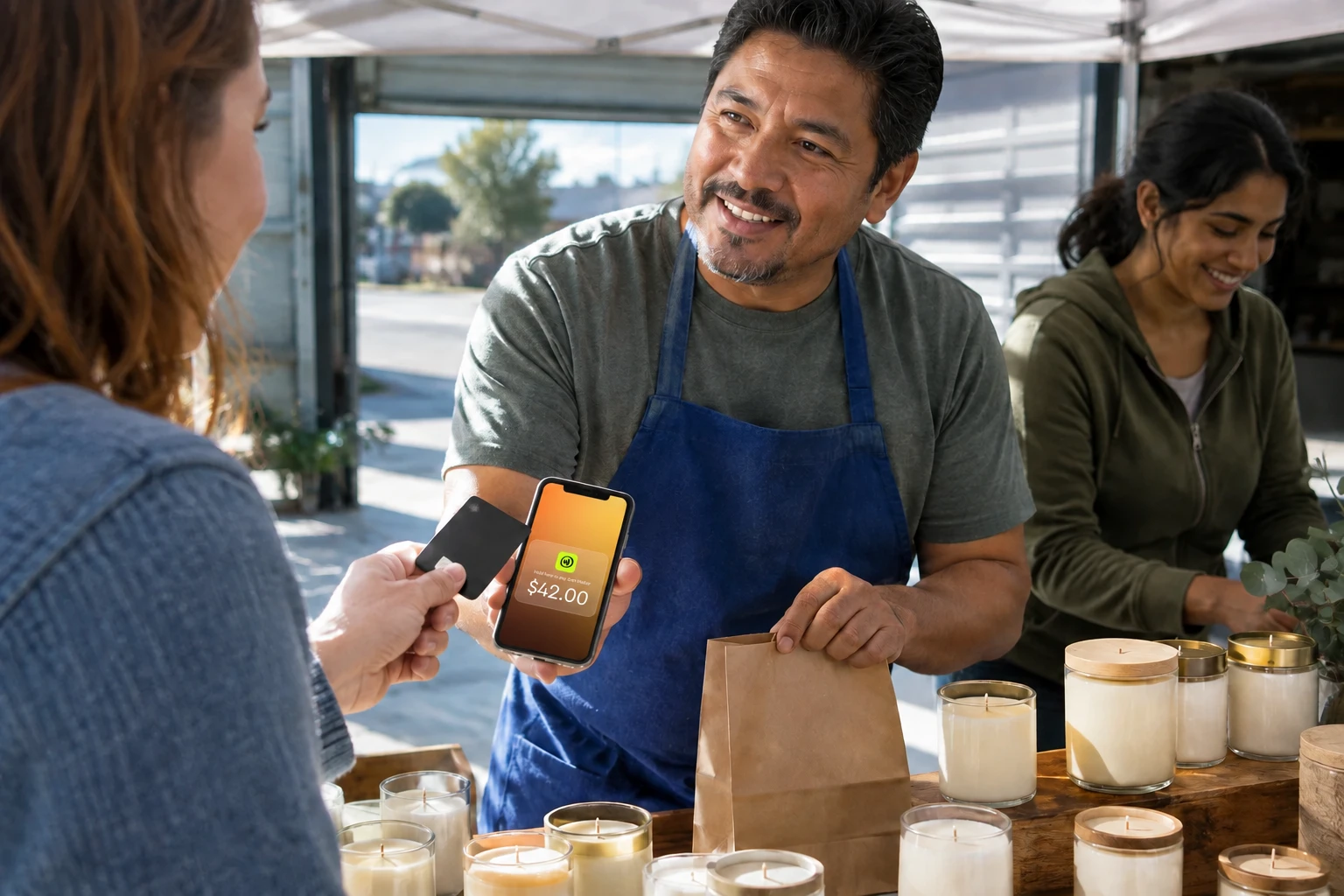
Sell and get paid in seconds with Jim






